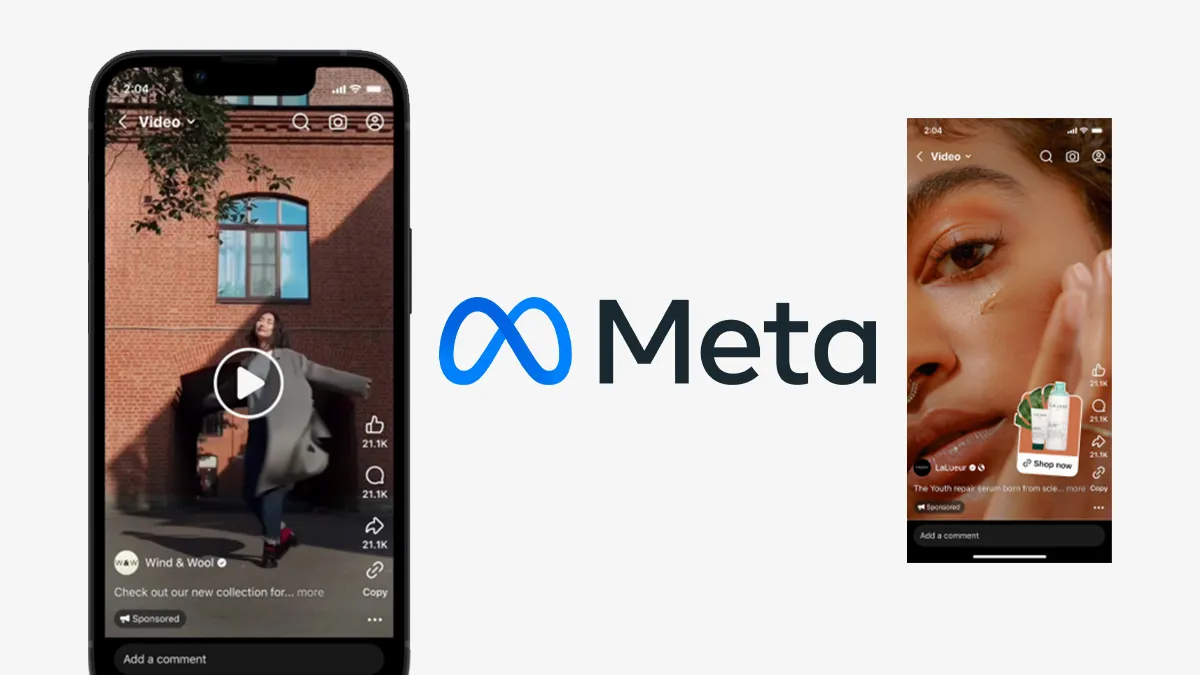
Creative fatigue is the silent killer of high-performing Facebook and Instagram ad campaigns. When you run ads at scale, you inevitably hit a wall where your audience gets tired of seeing the same video, causing your costs to skyrocket and your conversions to plummet. The traditional solution is to hire more video editors or wait days for new creatives, but this manual approach is slow, expensive, and unscalable.
There is a better way to handle the demand for constant creative testing. In this guide, we break down a sophisticated n8n workflow that uses Artificial Intelligence to strategize, script, and actually edit video ads automatically. This isn't about replacing high-end brand films; it's about generating "Minimum Viable Creatives" to gather quick insights and iterate faster than your competition.
Watch the full step-by-step walkthrough of this workflow here:
The Concept: Why Automate Video Production?
The goal of this automation is to remove the friction between having a marketing idea and launching it live. Usually, if you have an idea for a "heartbreak avoidance" angle for a relationship product, you have to brief a creator, wait for a draft, give feedback, and wait again. By the time you get the video, the market trend might have shifted, or you've lost valuable days of data collection. Automation solves this by treating video creation as a data problem, not just an art project.
The Tech Stack
To build this engine, we move beyond simple drag-and-drop tools and utilize a robust technical stack centered around n8n.
- n8n: The central nervous system that orchestrates the entire workflow (we recommend self-hosting for file management capabilities).
- Google Gemini (via API): The Large Language Model (LLM) acting as your strategist, copywriter, and creative director.
- Google Sheets/Drive: For storing campaign data, raw video clips, and organizing output.
- FFmpeg: An open-source software project that allows us to write code to edit videos (trimming, overlaying text, rendering).
- NocoDB (or Airtable): A database to tag and organize your raw video footage themes.
Step 1: The AI Strategizer
The automation begins not with video editing, but with high-level marketing strategy. You cannot generate good ads if you don't know who you are talking to and what pain points you are solving. This first workflow acts as your Chief Strategy Officer.
Context is King
We start by feeding the LLM deep context about the product. For our example case study—a card deck called "52 Questions Before Getting Married"—we input the target audience (pre-committed couples in Singapore) and the core functions of the product. The more detailed your brand profile, the sharper the AI's output will be.
The "Chief Strategy Officer" Prompt
We use a specific prompt to transform the LLM into a strategist. The prompt instructs the AI to "translate brand information into actionable, data-driven test plans" and generate distinct messaging buckets (e.g., Bucket A, Bucket B, Bucket C). Crucially, we use a structured output parser to force the AI to return data in JSON format, ensuring that the next step in our automation can read the strategy programmatically.
The result is a set of distinct marketing angles, such as "Future Heartbreak Avoidance" or "Blissful Partnership Building," which serve as the foundation for our scripts.
Step 2: The AI Scriptwriter
Once we have our messaging buckets, we pass this data to the second workflow: The AI Scriptwriter. This workflow takes the strategic pillars identified in Step 1 and transforms them into 15-to-30-second direct response video scripts.
The "Yes" Hook
To ensure the ads perform well, we engineer the prompt based on proven marketing principles. We instruct the AI to ensure the very first line of every script is a "qualifying question" that the ideal customer would answer "YES" to (a technique popularized by Alex Hormozi). For example: "Worried about hidden issues ruining your marriage?"
Timing is Everything
The output of this step isn't just text; it is a timed script. The LLM estimates how long each sentence takes to read (e.g., 2.5 seconds) and outputs this duration alongside the text. This data is critical because our automated video editor needs to know exactly how long to display each subtitle on the screen.
Step 3: The AI Video Editor (The Heavy Lifting)
This is the most complex and powerful part of the system. We move from generating text to manipulating binary files and rendering video. This workflow does the job of a human video editor, selecting clips and stitching them together.
Generating Subtitles (SRT Files)
First, the workflow loops through the scripts and converts the text and duration data into SRT files. An SRT file is a standard subtitle format that video players and editors understand. Because we are running n8n locally, we save these text files directly onto the machine's hard drive to be used as raw materials later.
The "Clips Chooser" Engine
How does the AI know which video clip to show for which sentence? We use a database (NocoDB) where we have uploaded and tagged 3-second clips of the product. Tags might include "poker card," "couple laughing," or "serious discussion."
We then run a "Clips Chooser" agent using the LLM. We feed it the script's keywords (e.g., "marriage," "hidden issues") and the database of available clips. The prompt acts as a Creative Director: "Select the best video clips from the provided library to match the ad script. Relevance is King." The AI returns a list of file paths for the exact clips that visually match the spoken audio.
Rendering with FFmpeg
Finally, we consolidate all the assets: the background music, the sequence of video clips, and the SRT subtitle file. We don't write the complex editing code manually. Instead, we feed the file paths and requirements to the LLM and ask it to write the FFmpeg command for us.
This command is then executed by the system, which stitches the clips, overlays the subtitles at the correct timestamps, adds the music, and renders a final MP4 file. The result is a folder full of ready-to-test video ads, created without human intervention.
Why This Matters for Singapore Businesses
For businesses in Singapore, where manpower costs are high and the digital market is fiercely competitive, this level of automation is a game-changer. It allows small teams to output the volume of work usually reserved for large agencies.
Breaking the Perfectionist Trap
Are these automated videos going to win a Cannes Lion award? No. But that isn't the point. The objective is to skip the judgment against AI-generated content by using real footage, and to iterate quickly. You can test 10 different angles in a week, find the winner, and then invest in high-production creative for that specific winning angle.
If you are struggling to identify which processes to automate first, check out our guide on Business Automation for Beginners to find your starting point.
The Power of Outcome-Driven Automation
This workflow demonstrates the difference between "playing with AI" and building an outcome-driven system. We aren't just chatting with a bot; we are building a pipeline that produces a tangible business asset (video ads). This reduces the reliance on manual coordination and frees up your creative team to focus on high-level strategy rather than resizing clips.
However, building these complex workflows involves managing APIs, local file systems, and database integrations. As discussed in our article on common mistakes when choosing an automation agency, technical expertise matters. You need a partner who understands not just the code, but the marketing outcome you are trying to achieve.
Conclusion
Automation is moving beyond simple data entry and into the realm of creative production. By combining the reasoning power of LLMs with the processing power of tools like FFmpeg and n8n, you can build systems that dramatically reduce your cost of testing and accelerate your marketing loops.
At Osinity, we specialize in building these custom, high-impact workflows for Singaporean businesses. We understand that seeing is believing, which is why we operate differently from traditional dev shops.
If you want to implement a system like this but don't have the time to learn FFmpeg code or manage servers, we can help. With our risk-free 30-day validation period, we build and implement your custom automation first. You only pay after confirming it delivers the agreed-upon results.
Don't let creative bottlenecks slow down your growth. Contact Osinity today, and let's build your automated marketing engine.